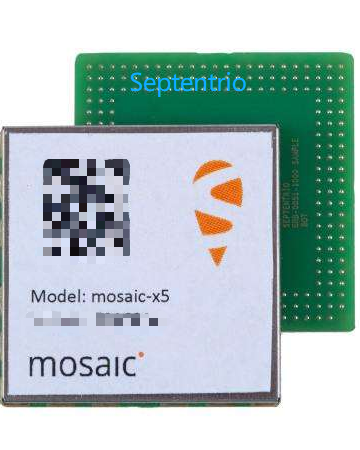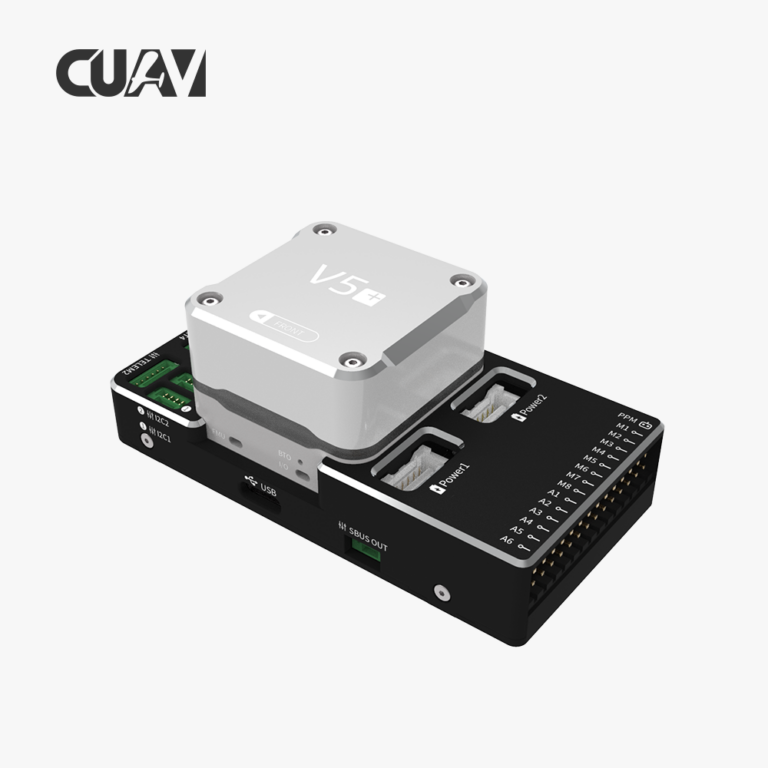

Integrating a high-precision GNSS receiver into a UAV flight controller is one of the most impactful upgrades a drone manufacturer or integrator can make. Septentrio mosaic-X5 and mosaic-G5 modules offer centimeter-level RTK accuracy, multi-band L1/L2/L5 tracking, and built-in AIM+ anti-jamming technology — but getting them talking to your flight controller requires some specific configuration steps.
This guide walks through the integration process for both PX4 (via Dronecode CAN and UART) and ArduPilot (via UART and RTK GPS). Whether you’re building a survey-grade mapping drone or a dual-antenna VTOL platform, these steps will get you from wiring to waypoint navigation.
1. Hardware Wiring Basics
The Septentrio mosaic modules communicate over standard UART serial (3.3V). For most flight controllers, the connection is straightforward:
For dual-antenna heading (mosaic-G5 / mosaic-X5 with two antennas), connect the secondary antenna to the AUX GNSS port and ensure the module outputs HDT or SBF heading messages on the UART.
For a complete selection of ready-to-integrate GNSS receivers with Septentrio modules inside, explore options at uav-gnss.com.
2. Configuring the Septentrio Module
Before connecting to a flight controller, the GNSS module must be configured to output standard NMEA or UBX binary messages at the correct baud rate. Use the Septentrio RxTools software or a simple serial terminal:
- Baud rate: 115200 or 230400 (PX4 default is 921600 for GPS)
- Output format: NMEA GGA, GSA, RMC, GSV at 5-10 Hz for standard operation
- RTCM input: Enable RTCM 1005, 1077, 1087, 1127 for RTK corrections
- Heading (dual-antenna): Enable SBF block NavAtt or HDTPacket
Example RxTools command to set NMEA output on COM1 at 10Hz:
setCOMSettings, COM1, baudrate=230400, databits=8, parity=None, stopbits=1
setNMEASettings, COM1, NmeaVersion=4.11, TalkerId=GP
setNMEAOutput, COM1, GGA, interval=10
setNMEAOutput, COM1, RMC, interval=10
savedConfig
3. PX4 Configuration
3.1 UART Connection (Standard GPS)
PX4 has built-in support for Septentrio receivers via the gps driver. Connect the mosaic module to the GPS port (TELEM2 or GPS1) and set these parameters in QGroundControl:
- GPS_1_CONFIG = TELEM2 (or your serial port)
- GPS_1_GNSS = GPS + GLONASS + BeiDou + Galileo (full constellation)
- GPS_1_PROTOCOL = 1 (UBX binary) or 2 (NMEA)
- GPS_1_BAUD = 921600 if using UBX, else match module baud
- GPS_YAW_OFFSET = heading offset relative to vehicle front
Save and reboot. Check the GPS status in the QGroundControl GPS page — you should see 20+ satellites tracked and RTK float/fix status. For the full PX4 GPS parameter reference, see the official PX4 GPS documentation.
3.2 Dual-Antenna Heading via DroneCAN
For platforms that need yaw information without a magnetometer (e.g., heavy-lift drones with magnetic interference), configure the Septentrio module to output heading via DroneCAN. This requires a CAN adapter board; the mosaic module’s UART output is bridged to a CAN-enabled Pixhawk.
Set GPS_1_PROTOCOL = 1 and enable UAVCAN_SUB_GPS in PX4 to receive heading data directly. For more on dual-antenna configurations, check uav-gnss.com for compatible receiver options.
4. ArduPilot Configuration
ArduPilot supports Septentrio receivers through its standard GPS subsystem. For most setups, connect to the GPS1 port (Serial 4 on typical Cube/Pixhawk) and configure:
- SERIAL4_PROTOCOL = 5 (GPS)
- SERIAL4_BAUD = 115 (115200 baud) or 230
- GPS_TYPE = 1 (Auto), 2 (UBX), or 5 (NMEA)
- GPS_AUTO_CONFIG = 1 (let ArduPilot negotiate)
- GPS_GNSS_MODE = 3 (GPS + GLONASS) or 6 (all constellations)
ArduPilot will automatically detect RTK corrections sent via telemetry or a separate radio link. For dual-antenna RTK heading, set GPS_TYPE = 9 (Septentrio heading) and connect both antennas. Refer to the ArduPilot GPS setup guide for detailed parameter descriptions.
5. Testing and Validation
After wiring and configuring, perform these checks before first flight:
- Satellite lock: Minimum 12 satellites before arming
- RTK status: Float within 30 seconds, Fix within 2 minutes (with base station)
- HDOP: Below 0.8 for reliable positioning
- Heading accuracy: Below 1° RMS with dual-antenna setup
- IMU alignment: Verify GPS yaw matches compass heading within 10°
For marine or survey platforms that need even greater resilience, consider INS-receiver.com for integrated GNSS+IMU solutions combining Septentrio modules with tactical-grade inertial navigation.
6. Troubleshooting Common Issues
- No satellite lock: Check antenna placement (clear sky view, away from carbon fiber)
- RTK never fixes: Verify RTCM base station is streaming; check radio link quality
- Heading reading 0: Ensure dual antennas are separated by at least 30cm baseline
- Flight controller sees “no GPS”: Baud rate mismatch — verify both sides match
- Intermittent lock: Check power supply noise; add ferrite core on GPS cable
FAQ
Q: Can I use Septentrio mosaic-X5 with a standard Pixhawk 4?
A: Yes. Connect via UART to the GPS1 port. Set SERIAL4_PROTOCOL = 5 in ArduPilot or GPS_1_CONFIG = TELEM2 in PX4. Works out of the box with standard firmware.
Q: Does the Septentrio module require special firmware on the flight controller?
A: No. Both PX4 and ArduPilot include native support for NMEA and UBX protocols used by Septentrio receivers. Standard firmware builds work immediately.
Q: What’s the advantage of dual-antenna heading over a magnetometer?
A: Dual-antenna GNSS heading is immune to magnetic interference from motors, power cables, and payloads. It provides true north heading accuracy of 0.3-1° even when the compass is unreliable.
Q: Can I get RTK corrections without a proprietary base station setup?
A: Yes. Septentrio modules accept standard RTCM 3.x corrections from any NTRIP caster or local base station. Use a cellular or radio data link to stream corrections to the rover.